 I can't stand Dwayne....
 'gainst my window.... bringin' back sweet memories....
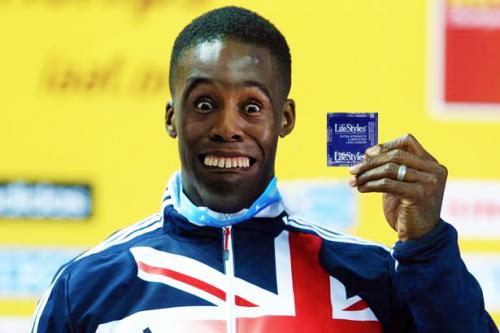
Click for bigger (341 kb)
i never can quite get skin tones right!!!... any suggestions??
(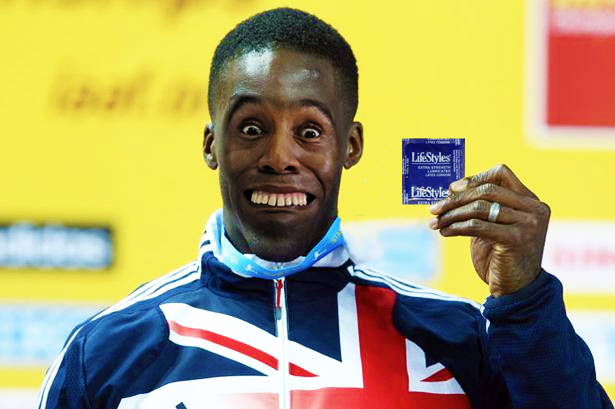
Click for bigger (341 kb)
i never can quite get skin tones right!!!... any suggestions??
 DanGleeballs Moist people don't notice spelling errors...,
Tue 26 Jun 2012, 9:38,
archived)
DanGleeballs Moist people don't notice spelling errors...,
Tue 26 Jun 2012, 9:38,
archived)
 Arf
Arfa combination of Curves, Hue/Saturation and bootpolish
0_0
(0_0
 claptonista ,the idiot boy..........,
Tue 26 Jun 2012, 9:50,
archived)
Ha-ha!
claptonista ,the idiot boy..........,
Tue 26 Jun 2012, 9:50,
archived)
Ha-ha! If you're using Photoshop - for a quick fix, 'colour balance' is pretty good. But if you're after something a little more precise, I tend to use 'hue and saturation' to get an overall match, then play around with 'selective colour' for the fine tuning.
( Captain Howdy,
Tue 26 Jun 2012, 9:57,
archived)
:D
Captain Howdy,
Tue 26 Jun 2012, 9:57,
archived)
:Di never can quite get skin tones right!!!... any suggestions??
CMD+B add a bit more green...

(CMD+B add a bit more green...
 Fresh Water Mole loves his baby boy more and more every day,
Tue 26 Jun 2012, 9:59,
archived)
Haha!
Fresh Water Mole loves his baby boy more and more every day,
Tue 26 Jun 2012, 9:59,
archived)
Haha!:-)
( Whato_Jeeves Did your surgery require a vaginal mesh patch?,
Tue 26 Jun 2012, 10:00,
archived)
skin tones try 'match colour' in photoshop, or mess around with colour balance, saturation
Whato_Jeeves Did your surgery require a vaginal mesh patch?,
Tue 26 Jun 2012, 10:00,
archived)
skin tones try 'match colour' in photoshop, or mess around with colour balance, saturation
(
 prodigy69 broke b3ta and made everyone leave,
Tue 26 Jun 2012, 10:35,
archived)
You never kno-ow!
prodigy69 broke b3ta and made everyone leave,
Tue 26 Jun 2012, 10:35,
archived)
You never kno-ow!:D
( The Silent Channel is getting his recommended 5-a-day,
Tue 26 Jun 2012, 11:40,
archived)
ooh..
The Silent Channel is getting his recommended 5-a-day,
Tue 26 Jun 2012, 11:40,
archived)
ooh..thanks for the advice folks (it needed a bit more green.. also messed with shadows/midtones/highlights)
Looks much better now (also worked on the lip..)
think it's the best faceswap i've done!
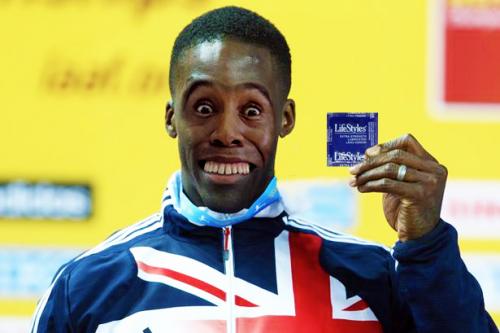
Click for bigger (386 kb)
(Looks much better now (also worked on the lip..)
think it's the best faceswap i've done!
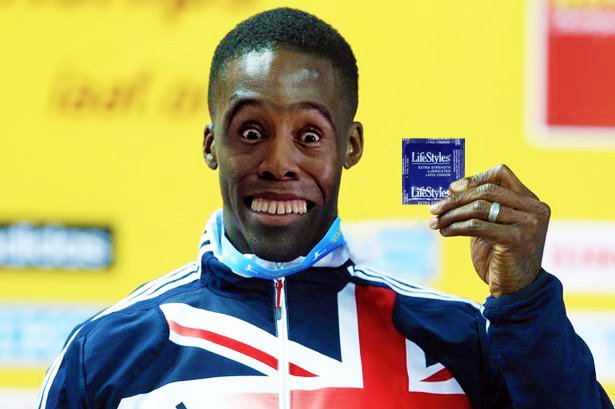
Click for bigger (386 kb)
DanGleeballs Moist people don't notice spelling errors...,
Tue 26 Jun 2012, 12:46,
archived)